Is Your Salon Booking Widget Costing You Appointments? 5 Mobile-First Fixes
Here's a sobering thought: 73% of salon appointments now happen on mobile devices. Yet most booking widgets are still built for desktop screens.
That clunky interface on your website? It's haemorrhaging potential bookings every single day. A slow-loading widget, buried buttons, or a confusing layout means clients are abandoning their booking mid-flow and moving on to the salon down the street.
The good news? These aren't complicated technical problems. They're design choices. And fixing them can transform your conversion rate overnight.
Let's walk through the five critical mobile-first fixes that separate salons drowning in no-shows from those with a fully booked diary.
1. Move Your Booking Button Above the Fold
Your "Book Now" button is the most valuable piece of real estate on your entire website. Yet it's probably hiding below the fold where half your visitors will never see it.
On mobile screens, the fold is brutal. You've got maybe 600 pixels of vertical space before users have to scroll. If your booking CTA isn't visible in that initial view, you're losing appointments before the game even starts.
The fix: Position your booking button prominently in your header navigation. Make it contrast with everything else on the page. Use action-oriented text like "Book Now" or "Book an Appointment" instead of a generic "Contact" link.
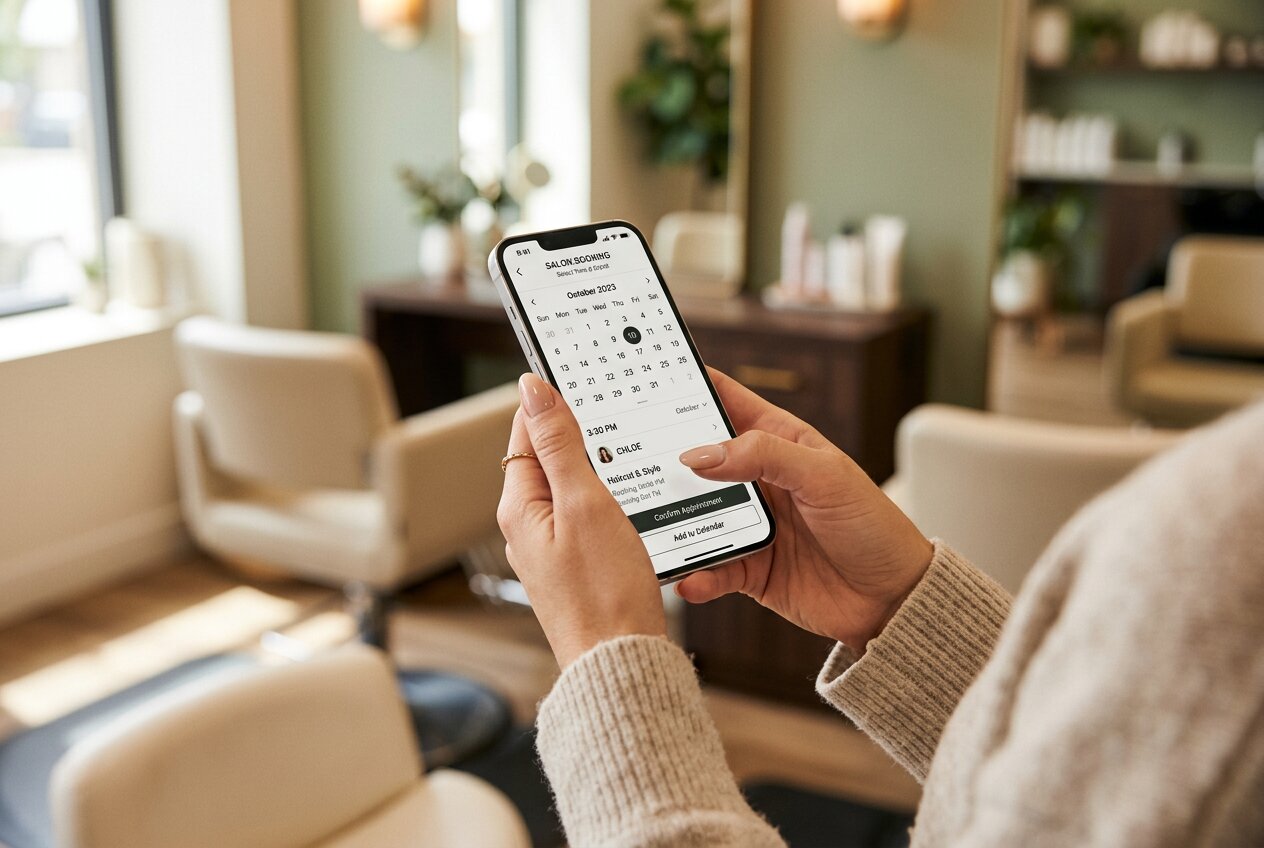
Better yet, use a sticky header that keeps your booking button visible as users scroll through your services or browse photos. The moment a potential client decides they want to book with you, your booking widget should be one tap away.
This isn't about aesthetics. It's about removing friction at the exact moment someone's ready to convert. Every additional second they spend hunting for your booking system is another chance for them to bounce.
2. Streamline Your Booking Flow to Three Steps or Less
Here's where most salon booking widgets fall apart: they ask for too much, too soon.
A typical booking disaster looks like this: Choose service. Choose stylist. Select date. Select time. Create an account. Verify email. Enter payment details. Accept terms. Confirm. By step four, half your potential clients have already given up.
The winning formula: Service, stylist (optional), date and time. That's it for the first stage. Collect name and contact details on the confirmation screen. Everything else is noise.
Your booking flow should load instantly and feel effortless. Sully Bookings – Salon Edition's mobile-first interface does exactly this: lightning-fast load times and a streamlined process that converts browsers into bookings. No clutter. No confusion. Just a simple path from "I need a cut" to "appointment confirmed."
Every additional field you add to your booking form is a conversion killer. Ask yourself: do you really need their postal code up front? Strip it back to essentials. You can always collect extra details later.
3. Design for Thumbs, Not Mouse Cursors
Mobile booking widgets fail when they're built for desktop and retrofitted for phones. The result? Tiny tap targets, awkward date pickers, and forms that require zooming to complete.
Your booking widget needs to be designed mobile-first from the ground up. That means touch-friendly buttons (minimum 48x48 pixels), generous spacing between interactive elements, and form inputs large enough to type into without frustration.
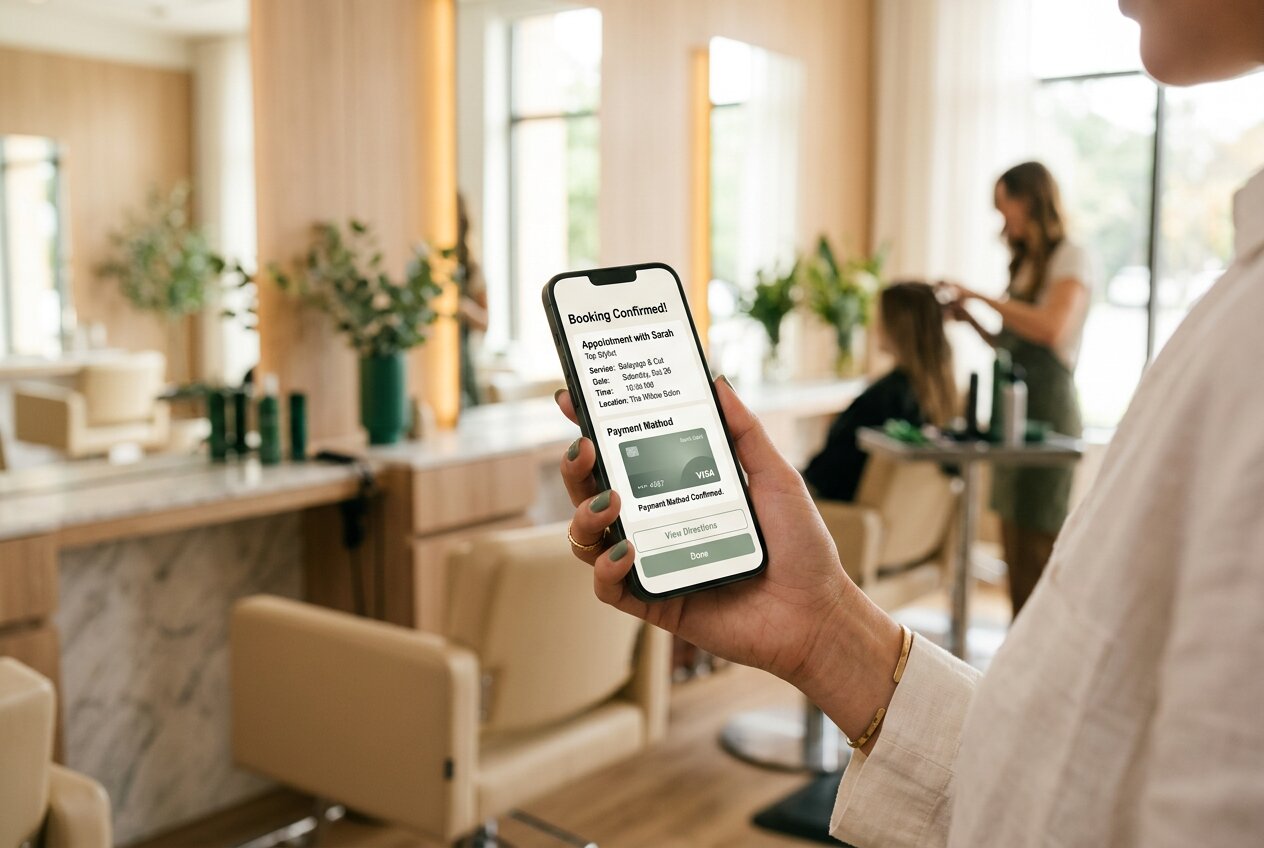
Date and time selectors are particularly critical. Those miniature calendar grids from desktop widgets? Nightmare on mobile. Clients should be able to swipe through dates and tap clear time slots without precision targeting.
The technical reality: If your widget requires users to pinch-zoom or double-tap to select elements, you're actively sabotaging your conversion rate. Modern booking systems use native mobile patterns that feel natural on touchscreens.
This is where Sully Bookings – Salon Edition's single-line code integration becomes invaluable. Drop it into your website and you get a fully responsive, genuinely mobile-optimised booking widget that adapts seamlessly to any screen size. No custom development needed.
4. Kill the Loading Spinners
Speed isn't a nice-to-have feature. It's the difference between a completed booking and an abandoned one.
If your booking widget takes more than two seconds to load, you're losing appointments. Mobile users are ruthless: they'll bounce the instant they sense lag. A spinning loader icon might as well be a "Closed" sign.
The problem often isn't your booking system itself. It's the bloat around it. Heavy scripts, unoptimised images, and third-party trackers all add weight. Your widget might be technically functional but so slow that users never stick around to find out.
The speed checklist:
- Widget loads in under 1.5 seconds on 4G connections
- Date pickers appear instantly when tapped
- No full-page reloads between booking steps
- Confirmation screen appears immediately after submission
White-label booking systems like Sully Bookings – Salon Edition are built for speed from the architecture up. Clean code. Optimised assets. The result? A booking experience that feels instantaneous even on patchy mobile connections.
Remember: every second of delay costs you bookings. Google found that 53% of mobile users abandon sites that take longer than three seconds to load. Your booking widget needs to be faster than that.
5. Build Trust Within the Booking Flow
Here's what most salon owners miss: clients hesitate before booking because they're uncertain. Is this place any good? Will they honour my appointment? Are the reviews genuine?
Your booking widget needs to answer these questions without users leaving the page. That means integrating social proof directly into the booking experience.
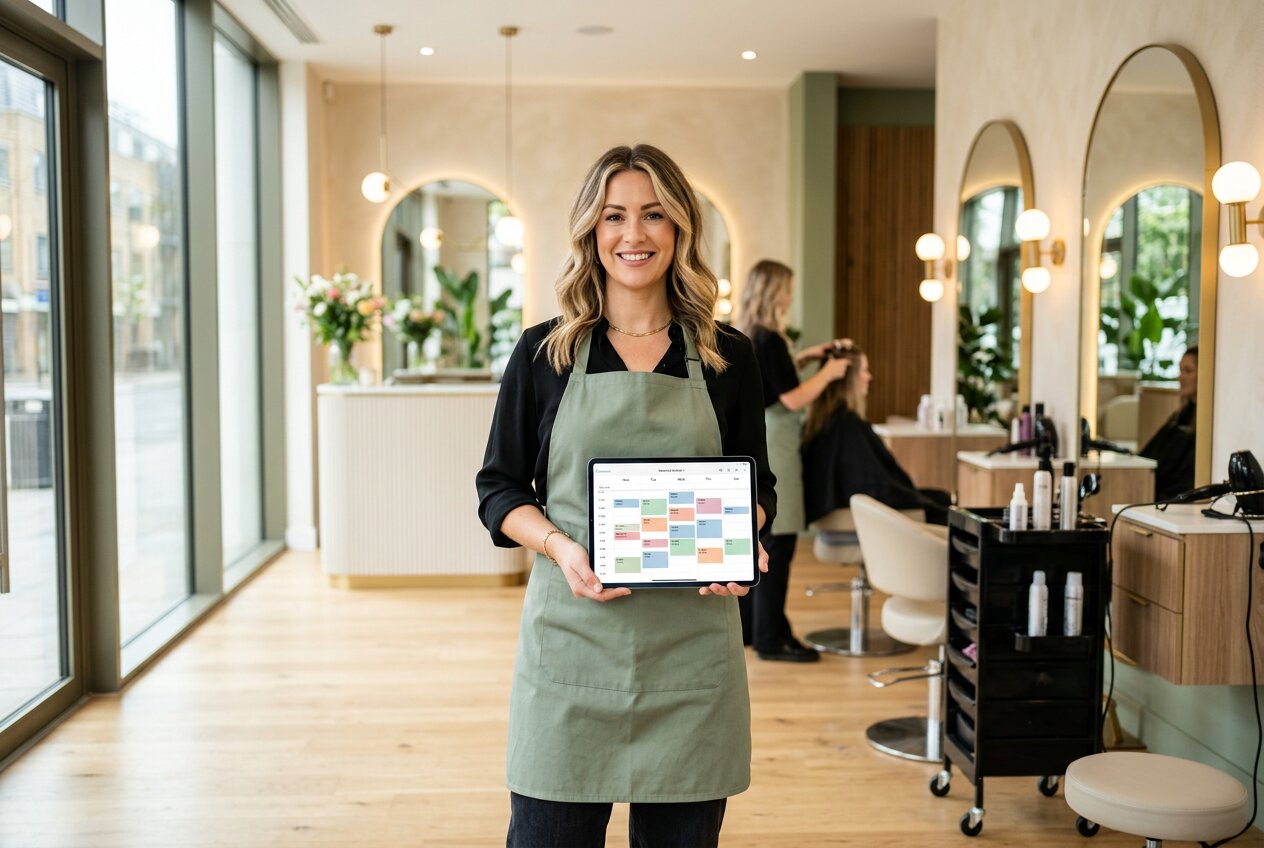
Display your Google rating prominently. Show recent reviews from verified clients. Feature awards or press mentions. All of this belongs in or immediately adjacent to your booking widget.
The psychology is simple: seeing that 4.9-star rating with 300+ reviews transforms a hesitant browser into a confident booker. Without visible social proof, potential clients second-guess themselves mid-booking and bail to do more research.
The trust elements that convert:
- Star rating visible on booking screen
- Number of appointments booked this week
- "Verified client" badges on reviews
- Cancellation policy clearly stated
- Secure payment indicators
With a white-label solution like Sully Bookings – Salon Edition, you keep complete control over your brand presentation while embedding these trust signals naturally. No clunky third-party logos or "Powered by" footers that undermine your professional image.
The Bottom Line: Your Widget Is Your Front Door
Most salons obsess over their physical space: the lighting, the music, the styling stations. Yet they treat their booking widget like an afterthought.
Your widget is where first impressions happen. It's where potential clients decide whether you're a polished, professional salon or an amateur outfit. A clunky, slow, confusing booking experience doesn't just cost you that one appointment. It damages your brand.
The mobile-first fixes outlined here aren't expensive or complex. They're about respecting your clients' time and making the path to booking as frictionless as possible. Get these right and you'll see immediate improvement in conversion rates.
Every lost booking represents lost revenue. If your widget is costing you even three appointments per day, that's potentially thousands in monthly revenue walking out the door.
Ready to see what a genuinely mobile-optimised booking system looks like? Sully Bookings – Salon Edition offers the lightning-fast, mobile-first widget that converts browsers into booked-in clients. Simple integration. Zero friction. Maximum bookings.
Your diary won't fill itself. But the right booking widget can make it a whole lot easier.